
Introduction
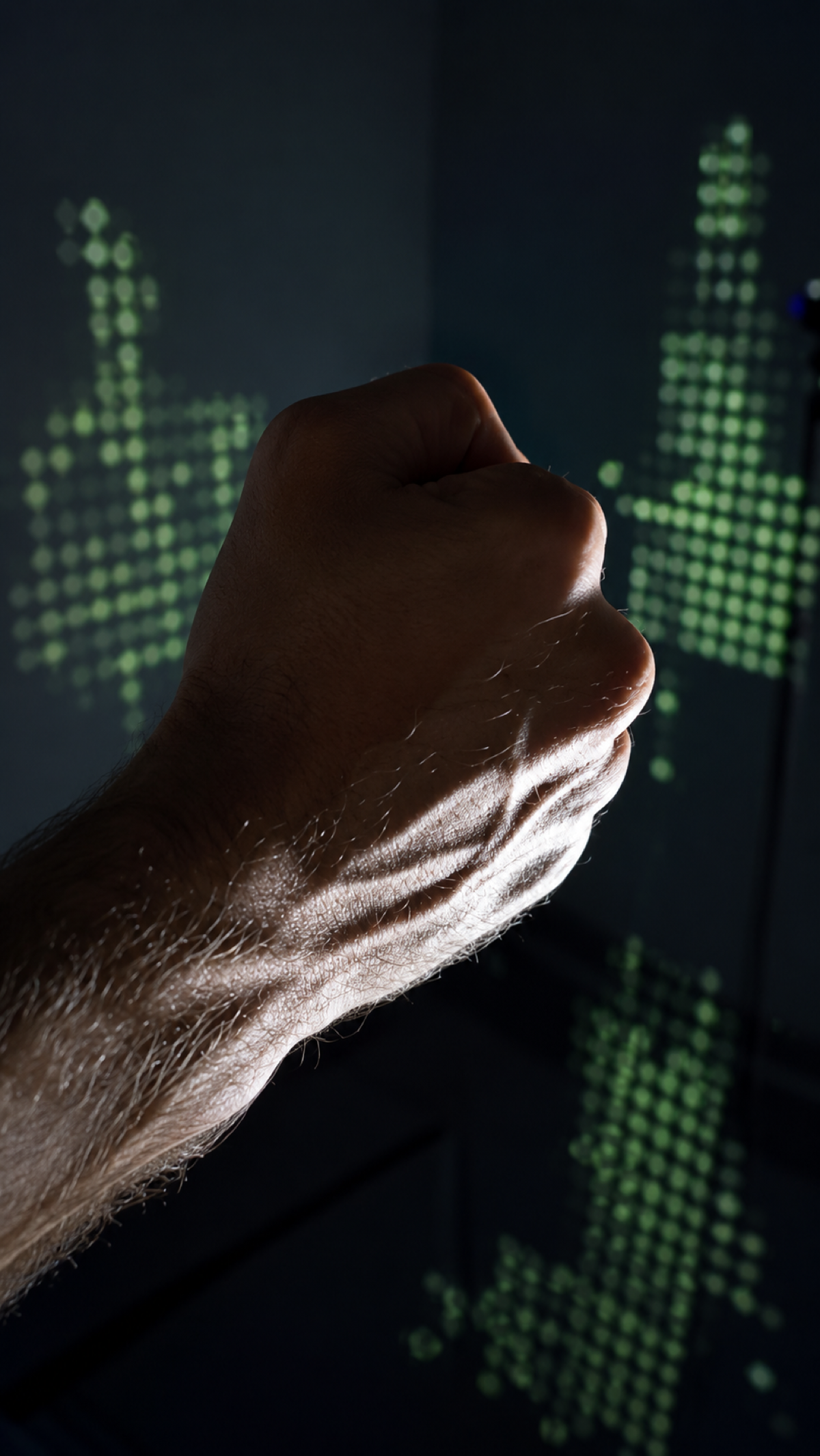
NeuroACT helped a client explore their armband, which interfaces with computers with the motto of controlling computers through thin air. The band uses electromyography (EMG) to measure the electrical activity of the musculoskeletal system and translate it into signals. Those signals feed a machine-learning model that classifies them into distinct gestures.
We built a series of prototypes to discover what the device was genuinely good at, where the client needed to focus, and how we imagined it could be used.
Project overview
The technology & the bet
The technology
- Electromyography senses skeletal-muscle activity.
- Machine learning turns raw signals into recognizable gestures.
- Unity + Kinect render experiences and add body position.
The bet
- Exploratory R&D — find real use-cases, not one product.
- Prototype-driven — many small playable experiments.
- Span the space — gaming, training, live entertainment.
The goal
- Make sci-fi tangible for first-time guests.
- Fun + meaningful over tech-demo novelty.
- Learn the rules of muscle-sensing interaction.
Technical prototyping role
I worked across the device and experience layers rather than treating the armband as a black box. My responsibilities included connecting its API to Unity prototypes, integrating Kinect position data for room-scale experiences, and troubleshooting network and data-transfer issues between systems.
Because every user needed an individual calibration period, the technical model directly affected the interaction design. I rapidly built and tested multiple gesture mappings, observed where recognition or connectivity failed, and translated those findings into qualitative UX feedback for the device team. That tight loop between sensor behavior, software constraints and human comfort shaped each prototype below.
Lesson 1 — We’re not all Spiderman
When the team saw “a gesture-based input device that can do anything,” they immediately wanted to make a Spiderman game. What better way to bring a beloved superhero to users than replacing hardware controllers?
I made a simple Unity prototype with a video feed of Spiderman moving through a street, shooting webs. The UI signaled users to make the signature gesture to shoot a web. Unsurprisingly, within a minute users got bored and fatigued doing the same thing over and over.
Lesson 1: Most of us are not Spiderman, and don’t enjoy repeating unusual, complex actions over and over.
Lesson 2 — Build the mental model
Playing with the device, I realized we should design around what feels good given the device’s capabilities. I noticed signal changes even from how my hands exerted pressure, which opened a different kind of input: analog force.
This prototype asked users to fill a tin with cake batter without overflowing it. Users struggled to grasp how it worked, until we handed them a squeeze ball. Immediately, they knew what to do.
Lesson 2: Help users build a mental model of how things work.
Lesson 3 — Freedom & accessibility
So far, we were still telling users what to do. But the armband spends its first few minutes gathering data so the ML model can learn to map it to inputs, meaning whatever the user did in those minutes became valid input.
So this prototype simply asks users to navigate a snowboarder and avoid obstacles. The animations naturally guided users to pick a “left” and “right.” They had complete freedom to use fingers, hands, or arms, opening a world of accessibility options tailored to everyone’s preferences.
To the physical world: making music in the CAVE
To demonstrate that this is genuinely a wearable, the final demo moved away from screens and monitors entirely. We used a CAVE — a three-screen, life-size projection space — combined with a Kinect space tracker and the armband, so the experience lived in the room around the user rather than on a display in front of them.
A musician on the team composed beats designed to layer on one by one, and I mapped those layers to different spots on the floor. As guests walked through the room, they added beats simply by moving to a new location; then, using the armband, they controlled each beat’s intensity and speed. The result: users could build and shape a piece of music with nothing but their body position and a flex of the arm — all while just walking around, hands-free.
Takeaways
- Design for user comfort.
- Communicate what the device and model can do — users don’t need to know how the model does it.
- Design to cover for connection issues.
- Physical props can let users explore what feels natural.
- Lead with examples.
- Above all: designing for users with unseen, first-of-its-kind interfaces.